I buy CS2 skins with a budget in mind before I open any marketplace tab.
That rule sounds simple, but it took several bad buys, rushed upgrades, and weak resales before I started treating every purchase as part of a full loadout plan.
Why I Needed Spending Rules
Early on, I overpaid for skins that I barely used and sold a few items too early when I got bored. When I now buy CS skins for my inventory, I start with weapon priority, exterior condition, float range, sticker value, and price history instead of reacting to the first clean listing I see.
The worst mistakes came from ignoring the use rate. I once spent too much on a pistol skin because the artwork looked great on inspection, then realized I used that pistol for only a few rounds per match. At the same time, I kept delaying upgrades for the AK-47 and M4A1-S, even though those appeared constantly.
My current rule is simple: everyday weapons get a steady budget, statement pieces get separate planning, and long-term items get the slowest review. I do not treat a knife, rifle, pair of gloves, and sidearm as equal just because all of them sit in the same inventory.
Rule 1: Never Pay Retail on Steam Market
I still use the Steam Market as a reference point, but I do not treat it as my default purchase place. I still use the Steam Market as a reference point, but I do not treat it as my default purchase place. On CS2 item sales, Steam applies a 10% game publisher fee plus a 5% Steam transaction fee, bringing the total seller fee to 15%. These fees influence listing prices and the amount sellers receive
Steam balance also matters. Selling there leaves me with Steam Wallet funds, which works if I plan to buy another game or market item inside Steam. It does not help when I want more flexibility outside that system.
Rule 2: Set a Max Per Item
This rule protects me from “almost perfect” listings. If my cap is $80 for a rifle, I do not pay $84 just because the float looks slightly cleaner or the sticker placement feels tempting.
My Cap System
I set three caps before I shop: one for everyday rifles, one for pistols and SMGs, and one for statement items. Rifles get the most room because I use them every match, while niche weapons stay limited unless they complete a theme.
Float Discipline
Float value affects exterior quality inside the same wear category. A Field-Tested skin near 0.16 often looks much cleaner than one near 0.35, even though both share the same exterior label.
My rule is to choose a float range before browsing. If I want Field-Tested under 0.20, I filter for that range and ignore listings outside it. A skin like AK-47 | Slate fits this rule because a clean Field-Tested version can look sharp without forcing me into a higher exterior tier.
Weapon Priority
I spend more on weapons I actually see in matches. The AK-47, M4A1-S or M4A4, AWP, USP-S, Glock-18, and Desert Eagle get priority because they define most of my loadout experience. I spend less on weapons that appear in fewer rounds.
Rule 3: Buy Where Filters Match My Spec
Filters matter because my buying decisions are specific. I want the weapon type, exterior, float range, price cap, sticker placement, and sometimes StatTrak™ status visible before I spend time inspecting each listing.
Why I Use DMarket
DMarket is one place I use to compare prices and filters before buying. I like having weapon categories, exterior options, float details, stickers, and price sorting in the same workflow because it keeps my search tied to the loadout plan.
I do not treat any marketplace as an automatic answer. I compare DMarket listings with Steam Market references and other available prices, then decide whether the specific item matches my cap, float target, and resale expectations.
Exact Filters
Exact filters keep me from accepting skins that are close to what I want but wrong in small details. I filter by price first, then exterior, then float, because budget discipline matters more than visual preference.
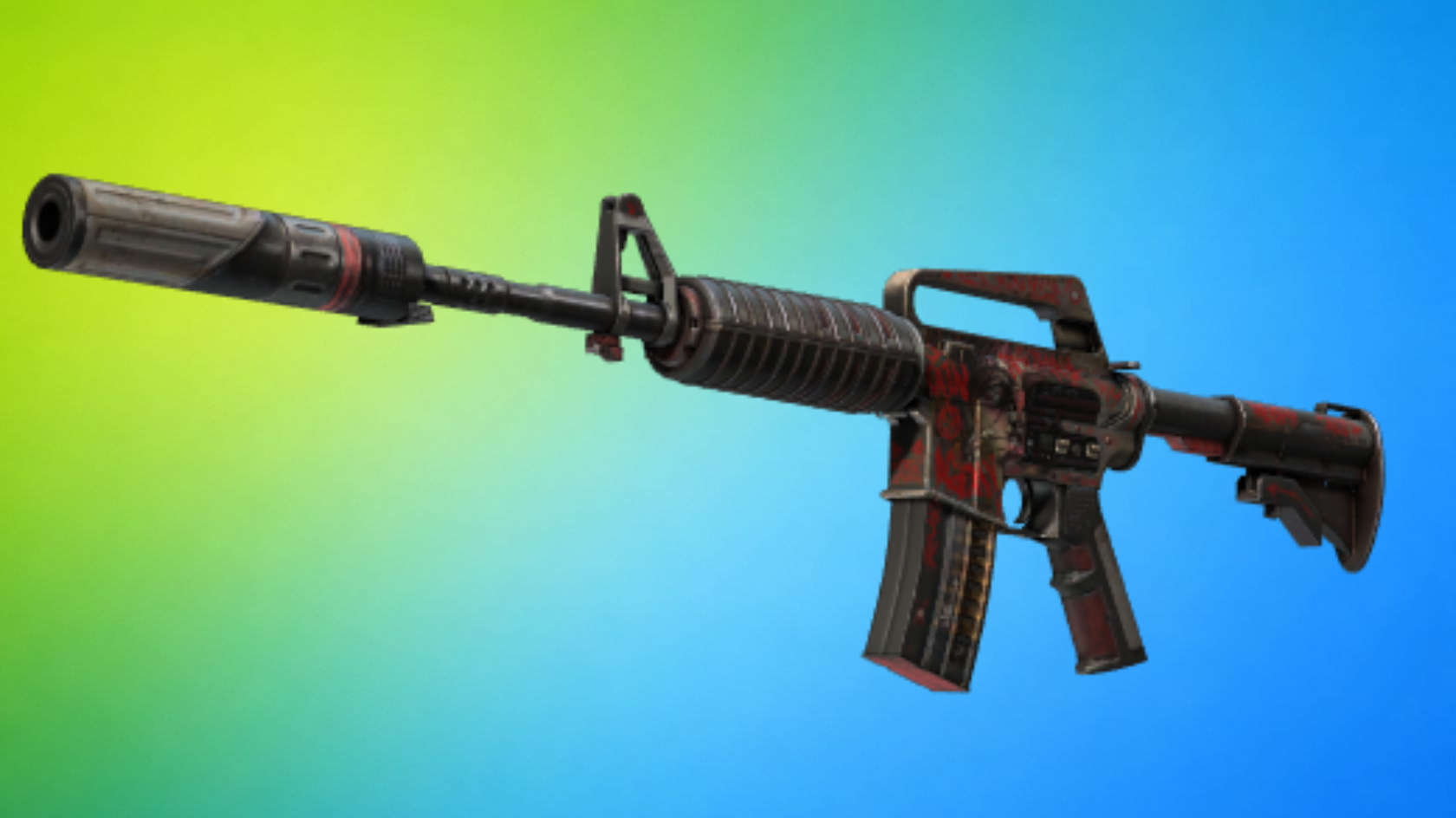
For artwork-heavy skins, I inspect the actual finish before buying. A skin like M4A1-S | Night Terror proves why this matters: some worn versions match its rough style, while others look too scratched for the loadout I want.
Sticker Value
Sticker value is where I made many early mistakes. A skin with stickers is not automatically worth more to me, especially when the craft looks random or the sticker position is weak. I pay extra only when the stickers match the skin, sit in visible spots, and improve the first-person view.
My Final Inventory Filter
The skin has to earn its place in the loadout before it earns more budget. If it appears in every match, fits the theme, has a float I like, and leaves room for the rest of the inventory, I consider it. If it only looks good in an inspect screenshot, I close the tab and keep the money for a better slot.